Big Walk Crossplay: How to Set Up One Shared World
Yes, Big Walk supports crossplay. Players on Windows, Mac, PlayStation 5, and Nintendo Switch 2 can join the same online world. Pick one reliable host, let that person start the session, then use the host’s Join Code for anyone who is not visible through the same platform friend list. The host keeps the save, so use the same host when your group returns.

Start with the ordinary setup

Choose one person to host the journey, let that person load into the world, and use a Join Code for players who are not appearing through the same platform’s friends list. The host holds the journey save, so a returning group needs that same person to reopen the world.
Big Walk supports groups from two to twelve players. The world setting should match the core group you expect to have regularly, not the maximum number of people who may ever join.
If a player disconnects, restart the host’s game completely

A full restart of the host’s game is worth trying before the group begins changing hosts or reinstalling anything. A recurring rejoin pattern begins after a player drops from a lobby: the affected player gets a timeout when trying to return, while other people may still be able to play.
Stopping and restarting only the session may not be enough in that case. Fully closing the host’s game, reopening it, and then having the group join again has restored rejoining in reported cases. Treat this as a troubleshooting test, not a permanent rule for every failure.
Try a clean temporary lobby before rebuilding the main session

If restarting the host does not help, create or join a temporary lobby first. Leave that temporary lobby through the game’s own exit flow, then try the original group again.
This can matter after a player leaves from a console home screen rather than from the in-game session menu. In a reported case, deleting the game, clearing local save data, reinstalling, and restarting the session did not restore access; starting a different session was the first alternative that changed the result.
Do not treat a new host as a guaranteed cure. Reports conflict: some groups found that replacing the host merely moved the exclusion to another player.
Check date, time, and time zone before changing network hardware
When a connection timeout affects only one player, confirm that device’s automatic date, clock, and time zone before spending time on routers or reinstallations. A time-zone correction restored server access in one reported case, while a correct clock did not solve the same symptom in another.
That makes time settings a fast test, not a diagnosis. If the clock is already correct, move to the session-restart sequence instead of repeating the same check.
Treat platform-version differences as a separate condition
A Switch 2 group reported failed joining in both directions: Switch 2 to PC and Switch 2 to Switch 2. They tried separate wireless bands and a wired connection, but the affected Switch build had no available update while the PC build showed a later version.
The useful lesson is narrow: changing Wi-Fi bands or switching to a cable may not resolve a crossplay failure when one platform cannot update to the same release line as the rest of the group. Do not claim that a version mismatch is the cause unless the group can actually see a version difference. Record the device, platform, game version, error text, host, and result of each attempt before trying another change.
Keep the troubleshooting order simple
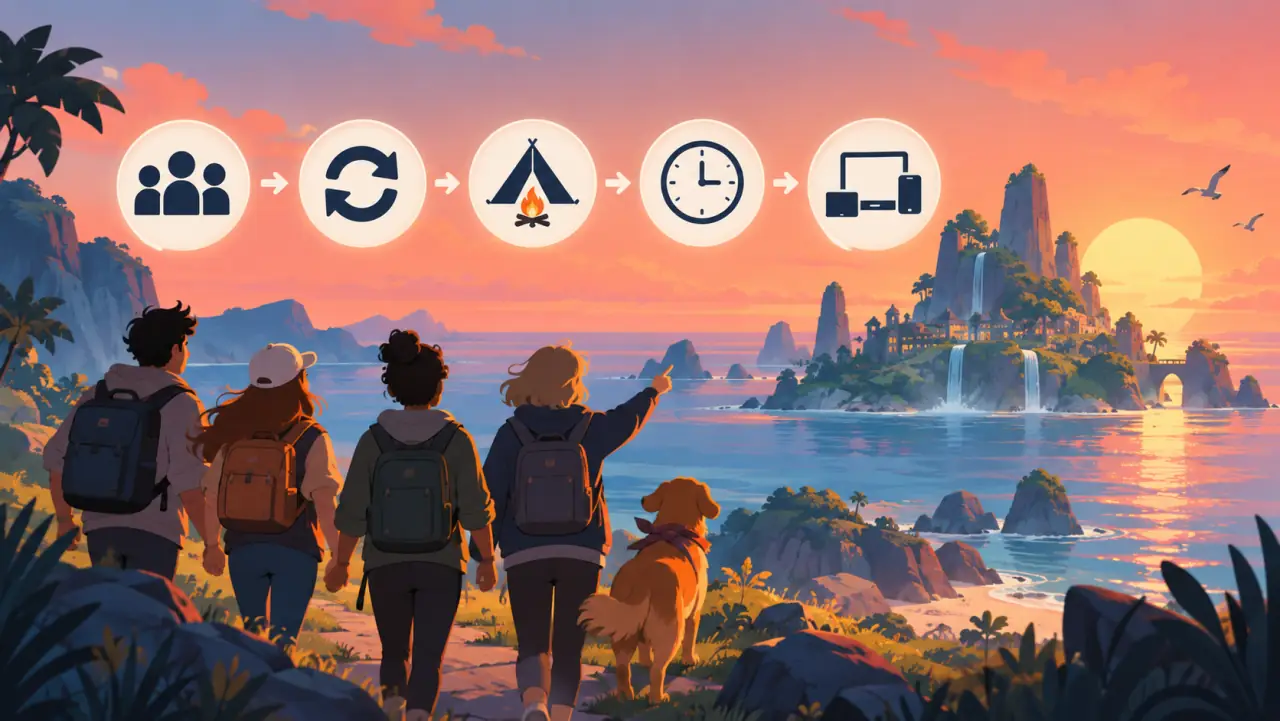
- Confirm that the original host is in the world.
- Check whether the affected player disconnected shortly before the timeout began.
- Fully close and reopen the host’s game.
- Test a temporary lobby and leave it through the in-game menu.
- Check automatic date, time, and time zone on the affected device.
- Compare the visible game version on every platform.
- If one platform cannot update, stop changing network hardware and wait for a compatible build or an official fix.
Crossplay is supported, but the session state still matters
Big Walk crossplay is designed for a returning group rather than random matchmaking. That makes the host and the session state part of the practical setup. A Join Code can connect a mixed-platform group, but it cannot repair a stuck rejoin path by itself.
When a timeout appears after somebody disconnects, begin with the host restart and temporary-lobby sequence. Keep any workaround labelled as a test rather than a guarantee, especially when a group is using different platform builds.