Online game night planner
Friendslop Games for Online Game Night: Pick the Joining Method First
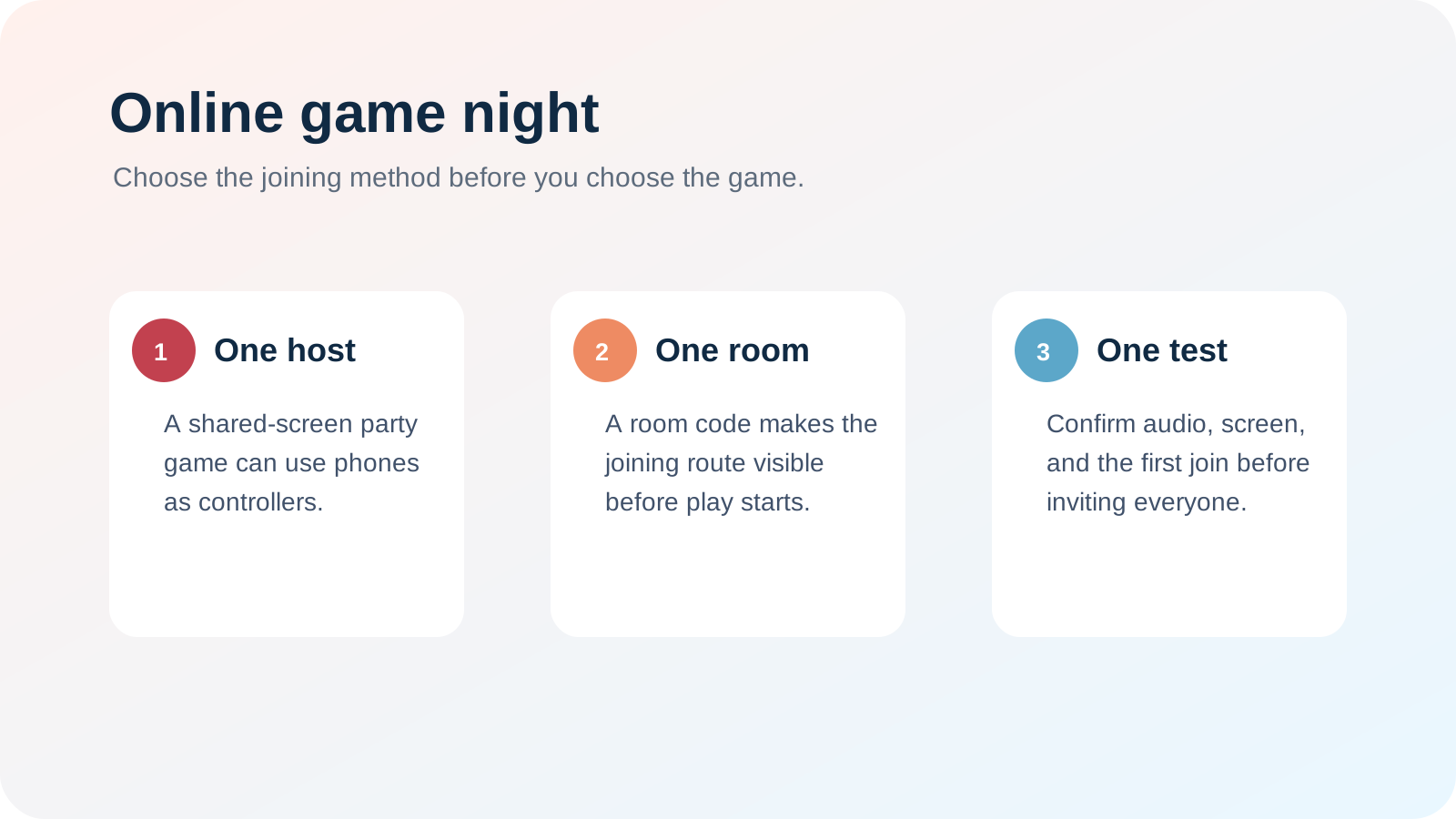
The best friendslop games for an online game night are the ones whose joining method your group can test before the call begins. A phone-controller party game suits a mixed-device group, a room-code game suits people who want a visible join path, and Steam Remote Play suits a PC host sharing a local co-op game. Decide how friends will enter first; then pick the game that matches it.
Which setup has the fewest barriers?
A host-led phone-controller party game has the smallest device requirement for guests. The official PlayStation listing for The Jackbox Party Bundle says its games use internet-connected phones or tablets as controllers; it also describes the bundle as local multiplayer. That means remote groups should confirm their screen-sharing or call setup before buying it as an online solution.
Play Friends is a direct option when guests need only a phone browser to join. Its official site says a session can start on Steam, Xbox, PlayStation 5, or mobile while friends join using a web controller in a phone browser. Run a short room-code test before the full group arrives.
When is Steam Remote Play the right answer?
Steam Remote Play suits a PC host who already owns a local co-op game and wants to share it online. Steam says Remote Play sends video and audio from the host gaming PC to another device. This is a host-led stream, not a promise that every game will behave like native online multiplayer, so test controller input and latency with one guest first.
Friendslop games for online game night: per-game chooser
| Group situation | Platform availability | Cross-play status | Online / co-op condition | Price | Who it suits |
|---|---|---|---|---|---|
| Phone-first party group | Play Friends lists Steam, Xbox, PS5, iOS, Android, and Android TV. | Its official site describes a host session with friends joining from phone browsers; check the live game mode before buying. | Open the web controller and run one room-code join test. | Check the live official storefront for the host platform. | A mixed-device group that wants guests to avoid a separate app install. |
| Shared-screen game night | The Jackbox Party Bundle is listed for PS4 on its PlayStation page. | It is local multiplayer, not native online matchmaking. | Guests use internet-connected devices as controllers; confirm the call or stream setup first. | Check the live official PlayStation listing. | A host who can share one screen and wants phone-based participation. |
| PC host with a local co-op game | Steam Remote Play streams a host PC to another device. | It is a remote local-co-op route, not game-specific cross-play. | Test video, audio, and one guest's input before the group call. | Check the live Steam store page for the chosen game. | A Steam group that already owns a local co-op game. |
The answer for tonight
For an online game night, choose the game after you choose the join path: phone browser, shared host screen, or Steam Remote Play. A short test with one friend exposes the setup problem while it is still easy to switch plans.