Platform and lobby check
Lethal Company Crossplay: The PC-Only Check Before Game Night
Lethal Company does not have official crossplay because its official release is on Steam for Windows PC rather than on separate console platforms. A group can still play together when every player has the PC Steam edition, but a PC-and-console group needs another game for the same night.
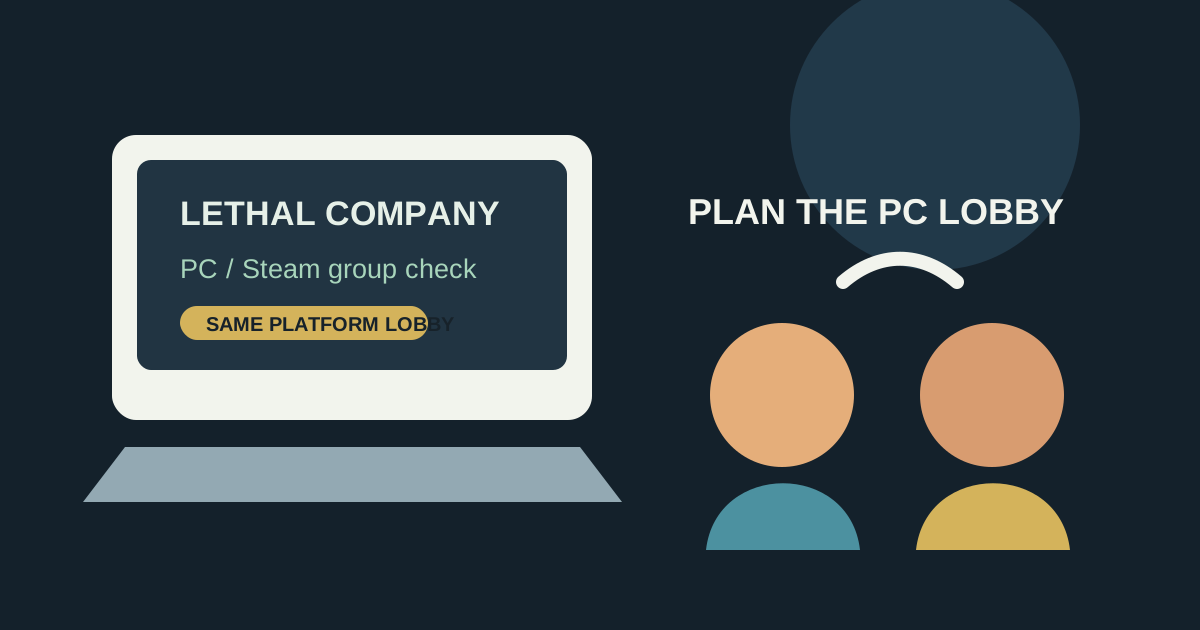
Is Lethal Company cross-platform?
No official cross-platform pairing is available today. The official Steam listing identifies the game as a Windows PC release, and its listed multiplayer features describe the Steam edition rather than PlayStation, Xbox, or Switch matchmaking.
That is different from a lobby problem. If everyone owns the same Steam PC version, invite and connection issues are worth troubleshooting inside that group. If one person is on a console, no amount of room-code testing can create an official PC-to-console session.
What should a group check before buying?
Have every player confirm the same PC storefront and current game build before the host starts a lobby. This is the fastest way to avoid treating a platform mismatch as a networking bug. The official Steam page is the source of truth for the edition itself; do not rely on a social post or an old console-rumour page.
Use Steam's normal friends-and-lobby flow only after the whole group passes that edition check. For a PC-only group, the remaining practical checks are whether the host can see friends online, whether everyone has finished downloading updates, and whether the group is using compatible game modifications.
Lethal Company crossplay: a per-game chooser
| Group situation | Platform availability | Cross-play status | Online / co-op condition | Price | Who it suits |
|---|---|---|---|---|---|
| Everyone has a Windows PC and Steam | Official Steam listing for the PC edition. | No separate-platform crossplay is needed when everyone uses the same Steam PC edition. | Confirm every player is on the same current build before the host opens the session. | Check the live Steam page before purchase; pricing can change. | A PC-only group that wants a co-op session and can coordinate one storefront. |
| One or more friends use a console | The official Steam listing does not provide a console edition. | Official PC-to-console crossplay is unavailable. | Choose a game with official editions on each device and an explicit crossplay statement instead. | Do not buy the PC edition as a test for a console player. | A mixed-device group deciding what to play tonight. |
Why might a PC-only group still fail to join?
A Steam-only group can still have a version or modification mismatch even though it is on one platform. Treat that as a separate compatibility question from crossplay. First try the current unmodified game build; then add the group's agreed modifications back in together rather than having each person change settings independently.
Do not diagnose a platform limit by repeatedly recreating the same lobby. If the group does not share the same PC Steam edition, stop there and choose a game that officially serves the devices in the room. That gives the group an honest answer before time is lost on a fix that cannot exist.
The answer for tonight
Lethal Company is a good fit for a group where every player can join through Steam on Windows PC; it is not an official crossplay pick for PC-and-console friends. Verify the edition first, update together, and keep the first session unmodified if the lobby behaves unexpectedly.