Platform and lobby guide
Repo Crossplay: What Works for Steam Groups Today
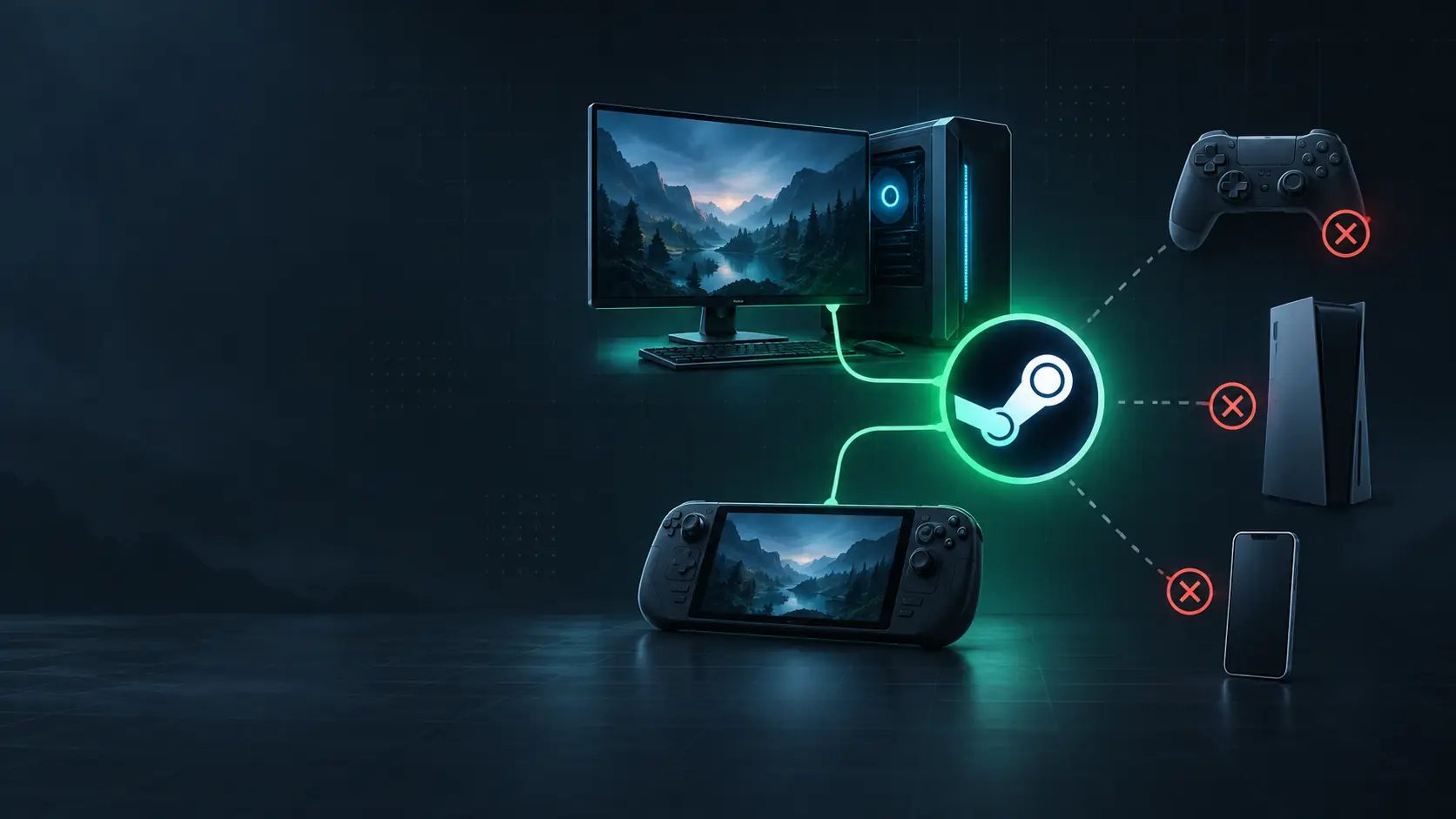
R.E.P.O. does not offer native PC-to-console crossplay today, because the official game is available through Steam on PC. A Windows PC and a Steam Deck can join the same Steam game, but that is a single-storefront PC setup—not a PS5, Xbox, Switch, or mobile crossplay lobby.
What does “Repo crossplay” mean in practice?
The useful question is not “Can two different devices play together?” but “Is every player running the official Steam edition?” Steam lists R.E.P.O. as an online co-op game for up to six players and gives Windows system requirements. It does not list an official PlayStation, Xbox, Switch, or mobile edition to join from.
A Steam Deck plus a Windows PC is therefore a shared Steam setup, not proof of console crossplay. Treat the handheld as another way to run the PC version. This distinction prevents a group from buying a different storefront product and discovering only at invite time that it is not the same game.
What can a group actually do today?
| Group situation | Platform availability | Cross-play status | Online / co-op condition | Price | Best next step |
|---|---|---|---|---|---|
| Everyone owns the official Steam version on a PC | R.E.P.O. on Steam; the official requirements list Windows. | Same Steam PC edition; no console bridge is involved. | Steam lists Online Co-op and up to six players. | Check the current regional Steam price before purchase. | Choose a host and send the invite through Steam. |
| One player uses a Steam Deck and the others use Windows PCs | The group is still using the Steam PC edition. | Not console crossplay; treat it as a Steam session. | Confirm the Deck controls and the lobby join route before the group starts. | Check the current Steam listing for each buyer’s region. | Run a short host-and-join test before the scheduled session. |
| One player has only PlayStation, Xbox, Switch, or mobile | No official native edition is established by the Steam listing. | Do not promise a mixed-platform R.E.P.O. lobby. | No compatible console session is available to verify here. | Do not buy a look-alike listing to solve this problem. | Choose another game for tonight or wait for an official announcement. |
How should a Steam Deck player prepare before the invite?
Test the whole object-handling loop, not merely whether the game opens. A useful preflight is moving the camera while holding an object, using inventory slots, opening the menu, and scrolling an item. Those are the points where community control layouts have differed most sharply; a layout that permits running and crouching can still fail at interaction.
Map the controller through Steam’s keyboard-and-mouse layout first, then test it in a private session. One reported setup used the Steam library controller button, selected a keyboard-and-mouse layout, and edited from there. Another player fixed a right-stick camera problem only after finding the cursor option in a different settings area. The practical lesson is to validate each action on the actual device rather than copying a layout blindly.
What should the host check before calling it a crossplay problem?
Check the invite path before changing network settings. Steam Deck players have reported that using host or join can open the Steam friends list; the two tested join routes described were a friend-list invite and an invite link. If the player cannot reach the lobby, confirm which route the host used and repeat that route once before treating the problem as a platform mismatch.
Make the group’s mod state explicit before the first invite. Community reports describe PC-and-Deck sessions through both the friend list and invite link, including modded and unmodded setups. That is a compatibility condition to align, not a guarantee that any two modified installs will work. Start with the official, unmodified build when the goal is to isolate the join problem.
Can long-distance players join the same Steam group?
Distance does not change the platform answer, but it can change how a session feels. One cross-region pair described trouble when a player connected from Europe to a North American group: the session could appear manageable to the hosts while the remote player still struggled to act during monster encounters. Run a short extraction test before committing the whole group, and let the affected player judge responsiveness rather than relying on the host’s view.
What should a console-only player do?
Do not use a similarly named console store product as a substitute for the Steam game. A PlayStation buyer reported being unable to play after purchasing a product that was not the official PC game. Match the storefront, developer, and title to the official Steam listing before spending money; a name match alone is not a platform plan.
The answer for tonight
R.E.P.O. works for a group that can all join the official Steam edition; it is not a native mixed-console crossplay choice today. For a PC-and-Deck group, use one private test lobby, confirm controls and the invite path, then start the real session. For a console-only friend, choose a different game instead of promising that a storefront look-alike will join the lobby.